What Is Video to SOP Software? How It Works and Why Teams Use It

Video to SOP software uses AI to convert video recordings of work processes into structured standard operating procedures. Learn how it works, who it's for, and how it compares to manual documentation.
30-second summary
Video to SOP software converts video recordings of work processes into structured, step-by-step standard operating procedures (SOPs) using AI. Instead of writing documentation from scratch, teams record how work is done and let software extract the steps, screenshots, and descriptions automatically.
What is video to SOP software?
Video to SOP software is a category of tools that uses artificial intelligence to convert video recordings into structured standard operating procedures (SOPs) and work instructions. The user records a process (assembly, machine setup, maintenance, software workflow, or any repeatable task) and the software analyzes the audio and video to generate a step-by-step document with descriptions, images, and key actions.
This approach eliminates the blank-page problem that makes manual SOP writing slow, inconsistent, and hard to maintain. According to The Manufacturing Institute, 97% of manufacturing firms are concerned about brain drain as experienced workers retire, and undocumented processes are the primary reason that knowledge disappears with them.
How video to SOP software works
The core workflow follows four steps:
Step 1: Record the process
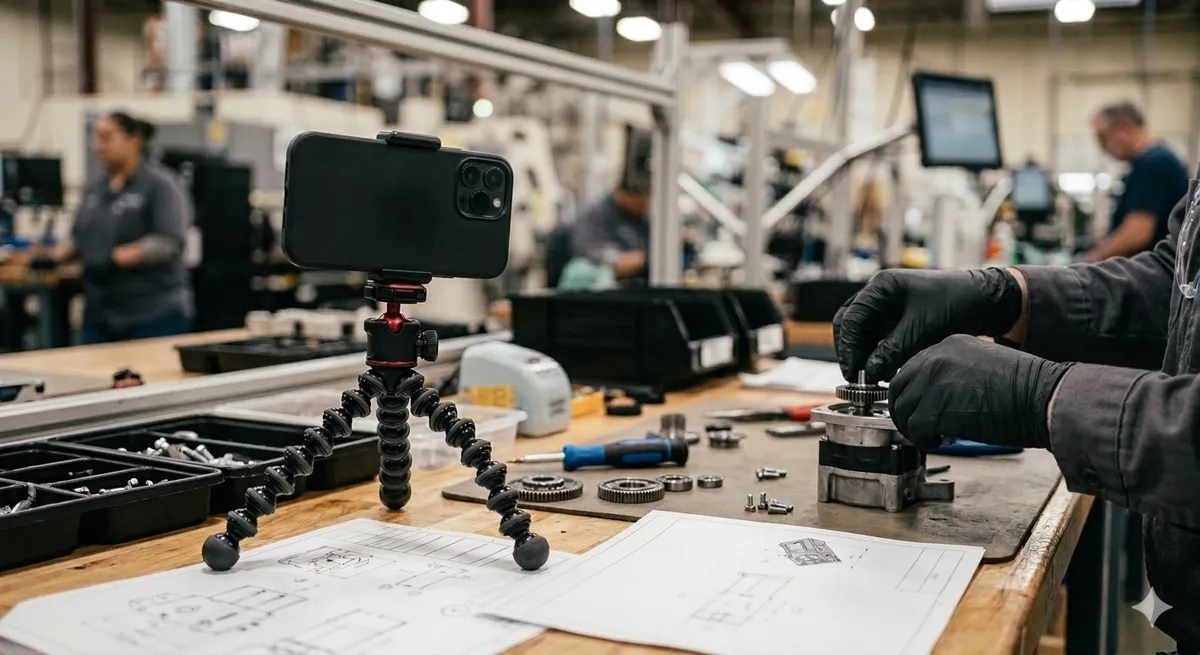
Capture the task on video using a phone, GoPro, screen recorder, or any camera. No professional equipment needed. Clarity matters more than production quality.
Step 2: Upload to the platform
Upload the video file. The software accepts common formats (MP4, MOV, WebM) and handles recordings of varying length.
Step 3: AI generates the SOP
The AI analyzes both audio (speech, narration) and video (actions, screen changes, tool use) to:
- Split the recording into discrete steps
- Generate titles and descriptions for each step
- Extract key frames as screenshots
- Identify safety notes and critical actions
Step 4: Review and publish
The generated SOP is a draft. Teams review accuracy, edit descriptions, adjust step boundaries, and publish when ready. Some platforms also support translation into multiple languages.
Who uses video to SOP software?
| Industry | Common use cases |
|---|---|
| Manufacturing | Machine setup, changeovers, quality inspections, packaging, safety |
| Maintenance | Equipment repair, preventive maintenance checklists |
| Laboratories | Sample preparation, instrument calibration, test procedures |
| Food & beverage | Recipe execution, hygiene procedures, line changeovers |
| Field service | Installation procedures, troubleshooting guides |
| Hospitality | Onboarding flows, standard procedures |
| Software teams | Onboarding flows, internal tool documentation |
Any team with repeatable processes and high turnover benefits from video-based documentation.
Video to SOP software vs. manual documentation
| Factor | Manual documentation | Video to SOP software |
|---|---|---|
| Time to create | 4–8 hours per SOP | 15–30 minutes per SOP |
| Accuracy | Based on memory and interviews | Based on real recorded work |
| Consistency | Varies by writer | Standardized by AI |
| Updates | Rewrite from scratch | Re-record and regenerate |
| Visual content | Manually captured screenshots | Auto-extracted from video |
| Multilingual | Manual translation required | AI translation built in |
According to a Canvas GFX-commissioned survey of 500 manufacturing professionals, 73% of companies experienced product errors or delays caused by late, inaccurate, or unclear documentation. Video-based generation reduces this risk because the documentation starts from reality, not recollection.
Video to SOP software vs. screen capture tools
Tools like Scribe and Tango capture software workflows by tracking clicks and keystrokes in a browser. They are designed for digital processes.
Video to SOP software is different. It handles physical processes captured on camera: assembly lines, machine operations, lab procedures, field work. The AI analyzes actual video footage, not browser events.
Some video to SOP platforms, like SOPX, handle both: physical process videos and screen recordings.
What to look for in video to SOP software
When evaluating tools, consider:
- Input flexibility: does it handle phone recordings, GoPros, and screen recordings?
- AI quality: does it accurately split steps and generate useful descriptions?
- Editing: can you easily adjust steps, add safety notes, and reorder content?
- Translation: does it support multilingual output for global teams?
- Version control: can you track changes and maintain procedure history?
- Sharing: can workers access SOPs on mobile devices or via QR codes?
- Security: is your video data processed securely without being used for AI training?
For a detailed comparison of tools in this space, see our comparison page.
Frequently Asked Questions
Is video to SOP software the same as a screen recorder?
No. Screen recorders capture what happens on a computer screen. Video to SOP software processes any video (including camera recordings of physical tasks) and generates structured documentation from it.
How accurate is AI-generated documentation?
AI provides a strong first draft, but human review is essential. Most teams spend 10–15 minutes reviewing and adjusting a generated SOP compared to 4–8 hours writing one manually.
Can video to SOP software replace technical writers?
It reduces the need for dedicated writers by enabling subject matter experts to document processes themselves. The person who does the work records it; the AI structures it.
What video quality is needed?
Standard phone camera quality is sufficient. The key requirements are clear visibility of hands, tools, and work surfaces. Professional lighting or audio equipment is not needed.
How does this help with compliance (ISO, FDA, GMP)?
Video to SOP software generates structured, version-controlled documentation that supports compliance requirements. However, approval workflows and validation remain the organization’s responsibility.
Is SOPX a video to SOP tool?
Yes. SOPX converts video recordings into structured SOPs and work instructions with AI-generated steps, descriptions, screenshots, and multilingual translation. Try SOPX free.