


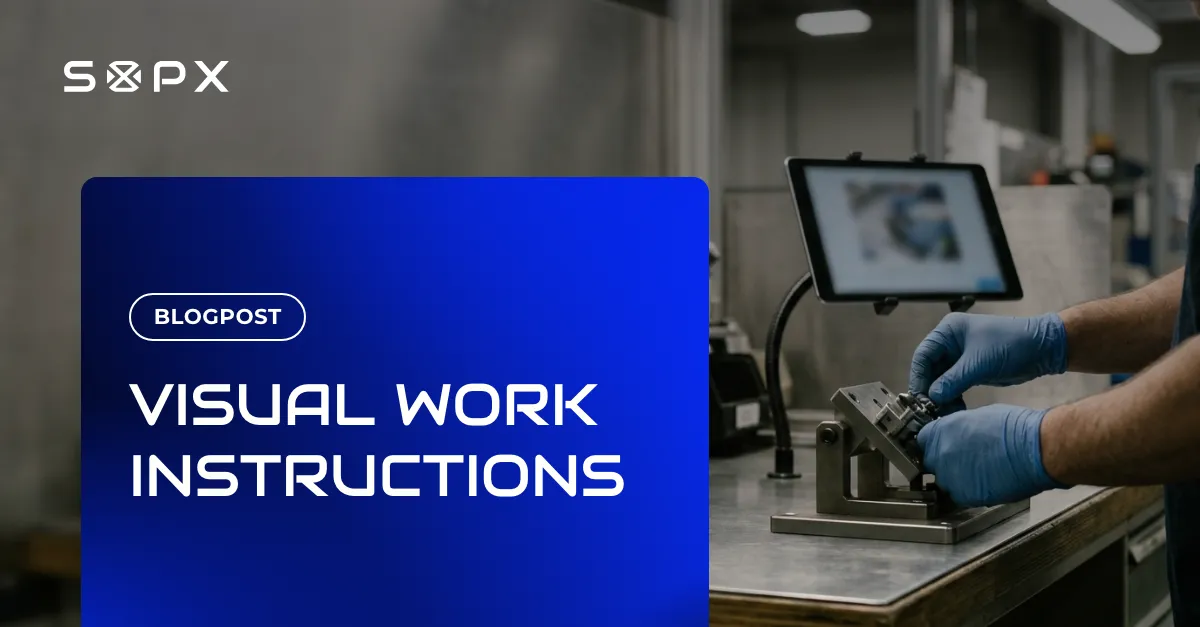

Digital work instructions, also called electronic work instructions (EWI), are work instructions that live in software instead of on paper. Each one covers a single task at a single workstation, like a paper work instruction, but the operator opens it on a tablet, phone or station monitor, often from a QR code at the machine. [1] Because the instruction is stored in one place, a revision reaches every station as soon as it is published, and older versions stay in the history instead of in a drawer. Most digital work instructions are visual: a photo or a short video clip for each step, with arrows or callouts on the part that matters. A 2025 controlled study in Scientific Reports found that visual, image-based instructions reduced operator cognitive load and sped up an assembly task compared with code-based instructions. [2]
Key characteristics
- Scoped to one task at one workstation, the same as a paper work instruction. [1]
- Opened on a screen at the point of use, usually from a QR code or a station link.
- One action per step, each with a photo or a short video clip and a short imperative sentence. [1]
- A single source: publishing a revision updates every station at once, with version history kept.
- Can be translated so each operator reads the same instruction in their own language.
- Can record that the work was done, through per-step checks or a sign-off at the end.
Example
Insert change on a CNC lathe
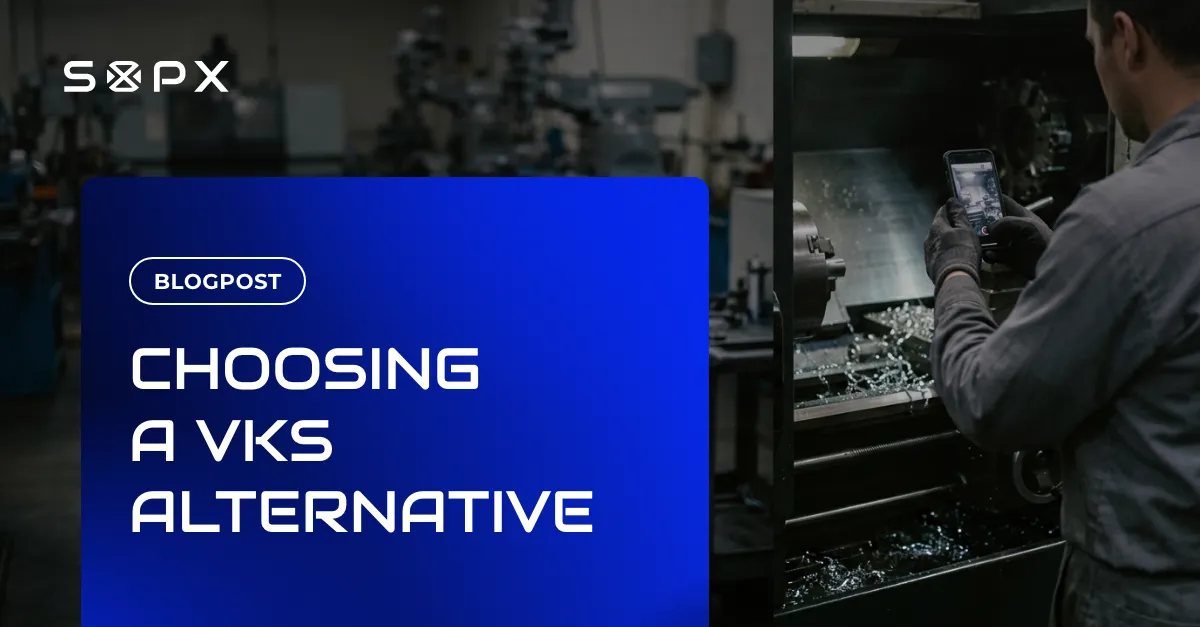
A machine shop used a laminated sheet at each lathe to show how to change a cutting insert. Every time the tooling changed, someone reprinted the sheet for six machines and usually missed one. The digital work instruction replaces the sheets with one QR code per lathe. An operator scans it and sees eight steps, each with a short clip of the real job, the torque for the insert screw and a warning on the step where the chuck must be locked. When the tooling changes, the engineer edits one step and publishes. All six QR codes now open the new version.
Comparison
Digital vs paper work instructions
| Aspect | Digital | Paper |
|---|---|---|
| Where it lives | On a screen at the station, opened by QR code or link | A printed or laminated sheet at the station |
| Revisions | Publish once, every station shows the new version | Reprint and replace the sheet at every station |
| Media | Photos and short video clips per step | Photos and text only |
| Languages | Translated versions from the same source | A separate printout per language |
| Proof of use | Per-step checks and sign-offs saved per run | A paper signature sheet, if any |
| Cost to start | A software subscription and a few tablets | A printer and a laminator |
How SOPX handles this
SOPX is work instruction software that writes the digital work instruction for you. Film the job once on a phone, and AI splits it into steps, trims a clip for each step and writes the description. You review it, add arrows or callouts, and publish. Each instruction gets a QR code for the station, translates into 50+ languages, and can carry a per-step checklist in Run mode. Existing PDF instructions can be imported and turned into digital steps.
Related use case: Work Instructions for Training →Frequently asked questions
Are digital work instructions and electronic work instructions the same thing?
What is the difference between digital work instructions and a PDF on a shared drive?
Do digital work instructions need an MES?
How do you create digital work instructions?
Sources
Statements above draw on the references below. Numbers in the text link to the matching entry.
- [1] Work Instruction: Definition, Examples & How to Write OneSafetyCulture · Accessed 2026-04-28
- [2] Cognitive load and operational performance under different work instruction formatsScientific Reports (Eesee, Varga, Eigner & Ruppert, 2025) · Accessed 2026-04-28