How to Standardize Work Across Multiple Sites and Crews With AI

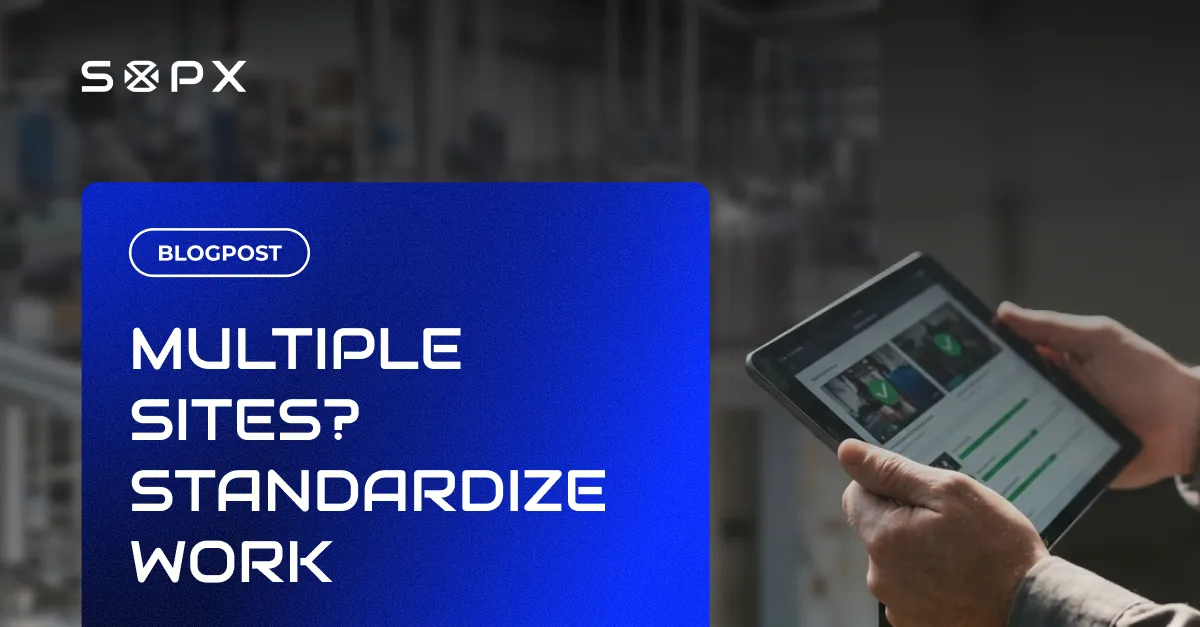
Run the same process the same way at every location. Capture your best method once, let AI build the SOP, and roll it out to every site and crew without visiting each one.
TL;DR
Standardizing work across multiple sites is a distribution problem, not a writing problem. Capture your best-practice method once on a phone recording, let SOPX build the structured SOP with AI, and roll one version out to every location so every crew runs the process the same way.
- The hard part of multi-site work is not writing the procedure but getting every site to run it the same way.
- SOPX turns a phone or screen recording of your best method into a structured, step-by-step SOP in under 10 minutes.
- Editing one step updates every site to the current version at once, with versioning that keeps the history.
- SOPX translates an SOP into 50+ languages so each crew reads the same standard in its own language.
- Run mode and analytics show who viewed and followed the procedure, so you can spot which crews drifted.
The real problem with multi-site operations
When you run one location, standardization is easy. You walk the floor. You see the work. You fix the drift the same day.
With several sites, that breaks down fast.
Each location starts to do things a little differently. Not because anyone is careless. Because the method lived in someone’s head, got passed on verbally, and slowly changed at each stop.
The pattern looks like this:
- Site A trains the way the first supervisor learned it.
- Site B added a shortcut that nobody wrote down.
- Site C still does it the old way because nobody told them it changed.
- The “official procedure” is a PDF in a shared drive that none of them open.
When a defect or a complaint shows up, you cannot tell which version of the process caused it. Every crew thinks they are following the standard. They are following three different standards.
What you stop having to do
The real win is not a fancier document. It is the work you no longer have to do.
You do not have to fly to every site to check the work is done the same way.
You do not have to maintain a separate binder per location and keep them all in sync.
You do not have to wonder which version each crew is using, because there is only one current version and everyone sees it.
You do not have to chase people for proof that a procedure was followed. The proof comes back to you.
For a COO or multi-site operations manager, that is the difference between managing the work and managing the paperwork about the work.
Capture the best method once
Standardization starts with a decision. Which way is the right way?
You already know. One site runs the changeover in 38 minutes. One crew has the lowest defect rate. One person trains better than anyone else.
That is your standard. The job is to capture it once and spread it everywhere.
The old way of capturing it was slow. Someone scripts a procedure, takes photos, formats a document, gets it reviewed, and ships it weeks later. By then the method has moved on.
The faster way is to record the best version of the work on a phone, while the person who does it best is doing it. No script. No editing. Just the real method, captured.
How to standardize with AI, step by step
Here is the practical workflow with SOPX.
1. Record the best-practice method. Film the person or crew that does the process best. A phone is enough. Have them narrate as they go.
2. Let AI build the SOP. Upload the recording. AI turns it into a structured, step-by-step SOP in under 10 minutes. Each step gets a trimmed clip and an editable description. You review and fix, instead of writing from scratch.
3. Translate for every crew. If your sites speak different languages, AI translates the SOP into 50+ languages. Each crew reads the same standard in their own language. You do not rewrite the procedure five times.
4. Roll it out to every site. Share the SOP by link or QR code. Organize SOPs by workspace or team so each site sees the procedures that apply to it, not a pile of irrelevant ones.
5. Update once, everywhere. When the method improves, edit the step. Every site sees the current version at once. Versioning keeps the history, and you can restore an earlier version if you need to.
That last point is the whole game for multi-site work. There is no “push the update to each location” step. There is no risk that Site C is still on last quarter’s version. You change it once. Everyone is current.
Already have procedures in PDF? Import them so your existing documentation lives in the same central library as the new video-based SOPs.
How to verify every site actually follows it
Writing the standard is half the job. Knowing each site follows it is the other half. This is where multi-site managers usually fly blind. You cannot watch every floor.
Two features close that gap.
Run mode. When a crew runs the procedure, they sign off step by step. Each completed run is proof that this site, on this date, followed the current standard. You do not have to take their word for it or visit to confirm. The record comes to you.
Analytics. You can see who viewed and ran what. Organize your workspaces by location and the pattern shows you which crews adopted the new method and which never opened it. If Site B’s numbers are off, you can check whether Site B is running the SOP before you assume the process is the problem.
Together they turn “I think everyone is aligned” into “I can see who is aligned.” When a site drifts, you see it in the data instead of finding out from a customer complaint.
This is also how you keep the standard honest over time. One central library means there is a single current version. Run mode and analytics tell you whether that version is the one being used on every floor.
Where this fits across industries
The multi-site problem looks the same whether your locations are plants, kitchens, or job sites.
- Manufacturing teams keep machine setup and changeovers identical across plants and shifts.
- Food production teams hold the same safety and prep steps at every facility.
- Field service and construction crews run the same install or inspection the same way on every job.
The method is the same in each case. Capture the best version once, build the SOP with AI, roll out one version, and verify adoption with Run mode and analytics.
Frequently Asked Questions
How do I make sure every site uses the same version of a procedure?
Keep one central library with a single current version. In SOPX, you edit the step once and every site sees the updated version at once. Versioning keeps the history, so you can see what changed and restore an earlier version if needed. There is no separate “send to each site” step where a location can get left behind.
How do I know if a site is actually following the standard?
Use Run mode and analytics. In Run mode, the crew signs off each step as they run the procedure, which gives you a record that these people followed the current version on a given date. Analytics show who viewed and ran what, so if your workspaces are organized by location you can spot the crews that never adopted the new method.
My sites speak different languages. Do I have to rewrite each SOP?
No. AI translates the SOP into 50+ languages from the same source. Every crew reads the same standard in their own language, and an update to the original flows through without rewriting each version by hand.
We already have SOPs in PDF. Do we start over?
No. You can import existing PDFs into the same central library as your video-based SOPs, then update or replace steps over time.
How fast can we create a standard SOP from a recording?
AI builds a structured, step-by-step SOP from a phone or screen recording in under 10 minutes. You review and adjust the draft instead of writing it from scratch.
Start free with SOPX
If you run several sites or crews and you are tired of guessing whether everyone works the same way, capture your best method once and let AI handle the rest.
Build the SOP, roll one version out to every location, and use Run mode and analytics to see who actually follows it. Read more about process standardization, or start now.
Try SOPX free with 5 AI SOPs and 3 translations on the free trial.